Master Your macOS Files
with Speed and Precision
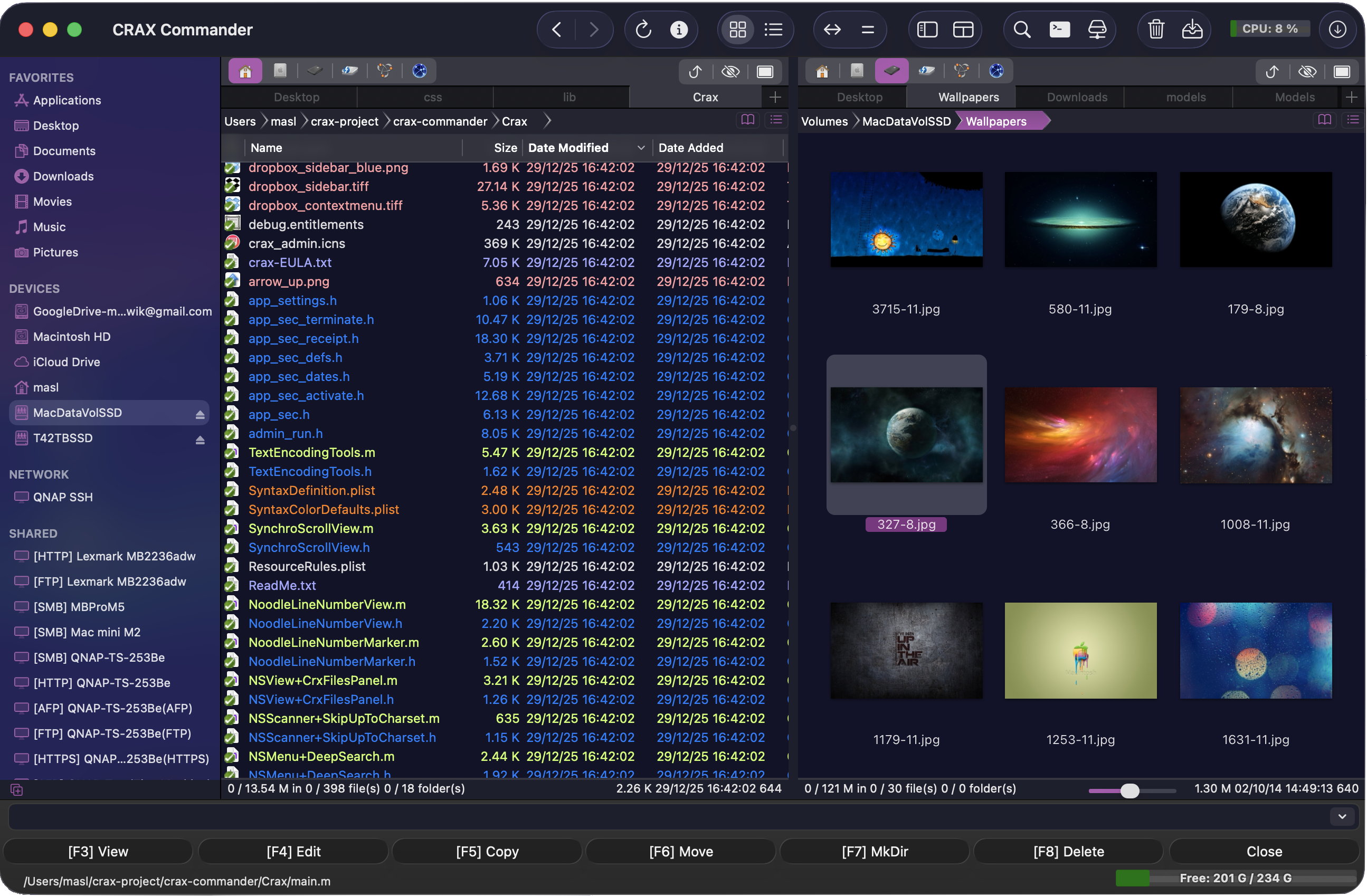
The advanced dual-pane file manager built for power users. Handle archives like folders, perform background operations, and connect to remote servers effortlessly.
Total Control.
Advanced tools built for professionals. From complex search queries to versatile remote connections?everything you need is right here.
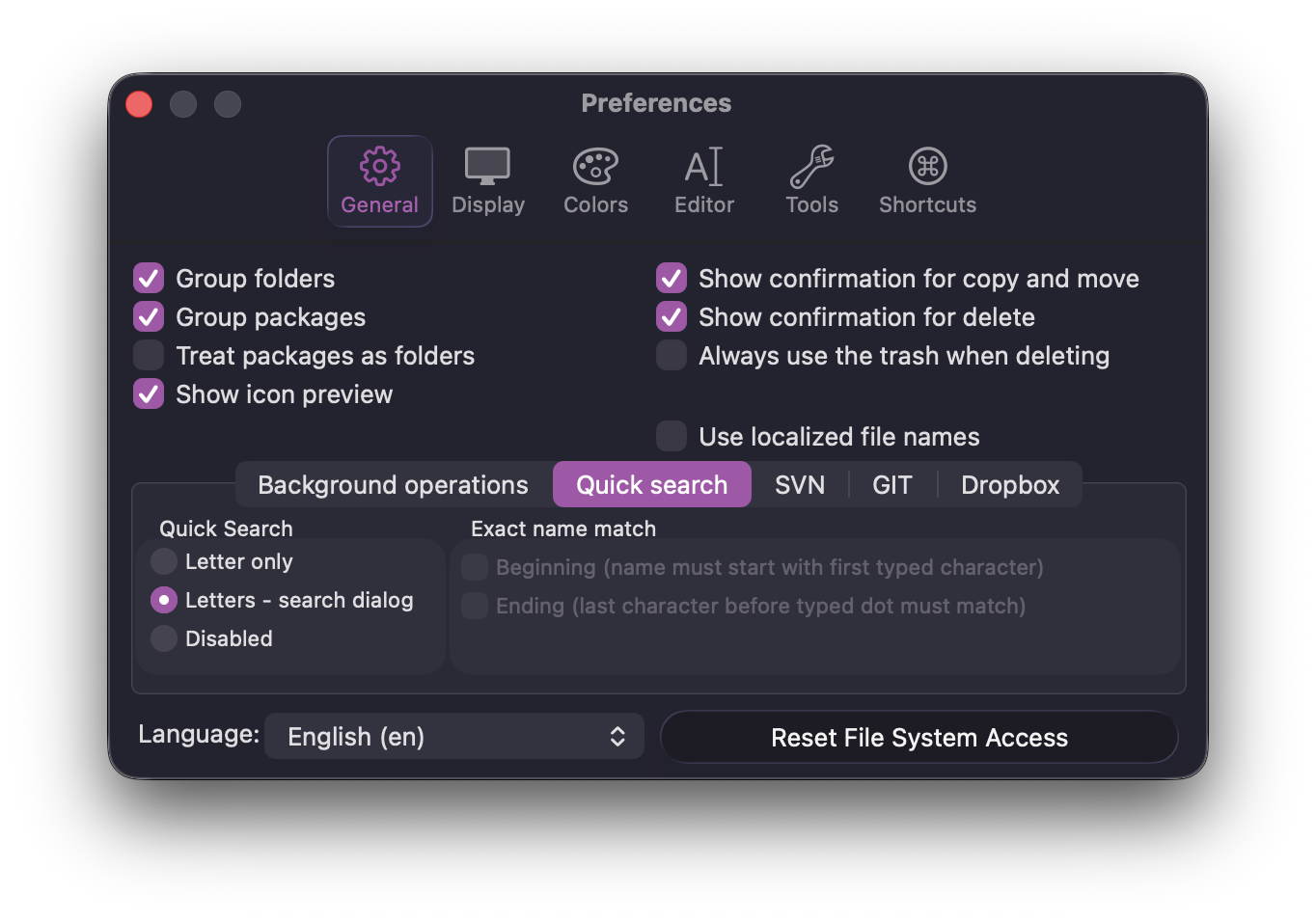
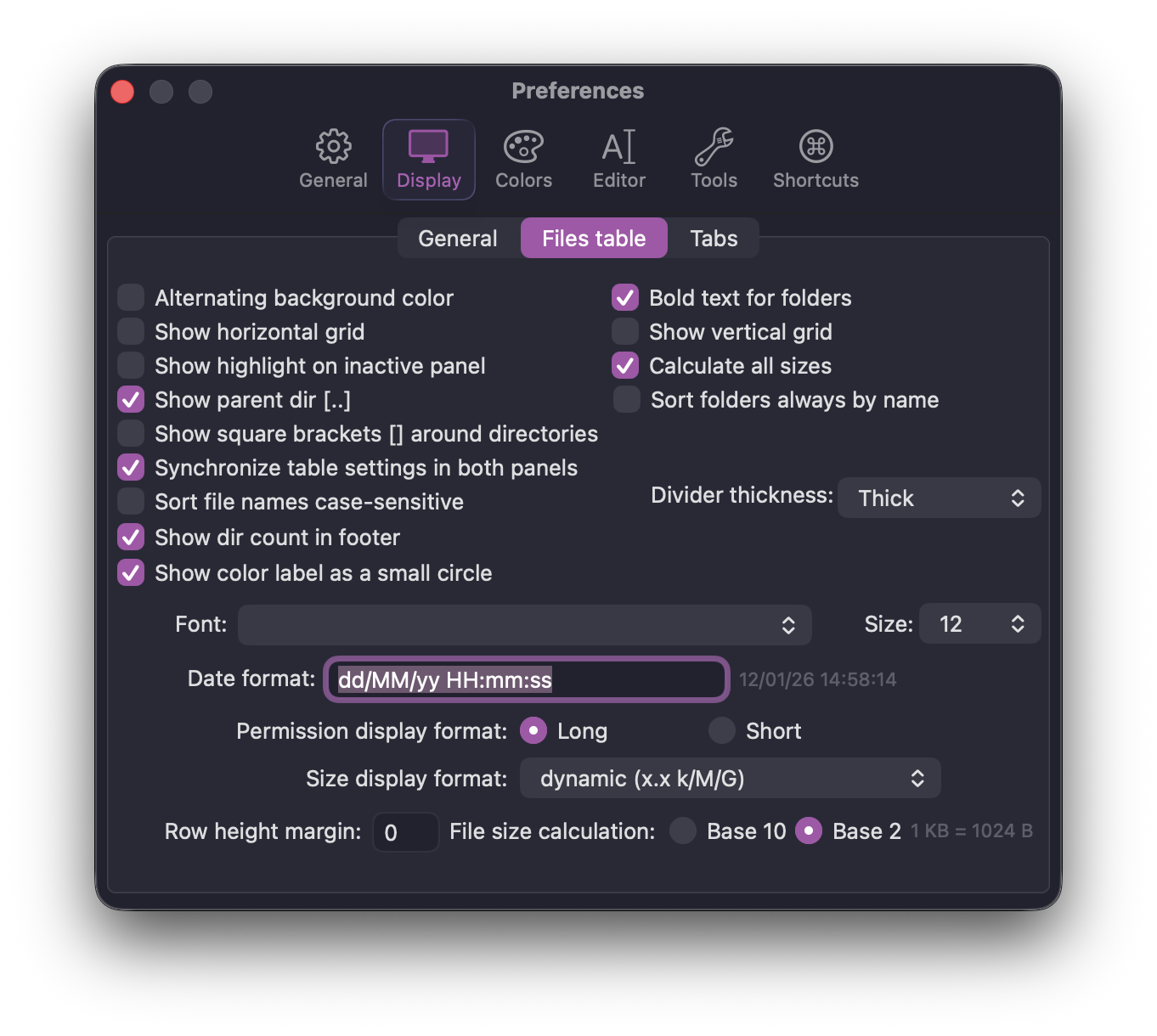
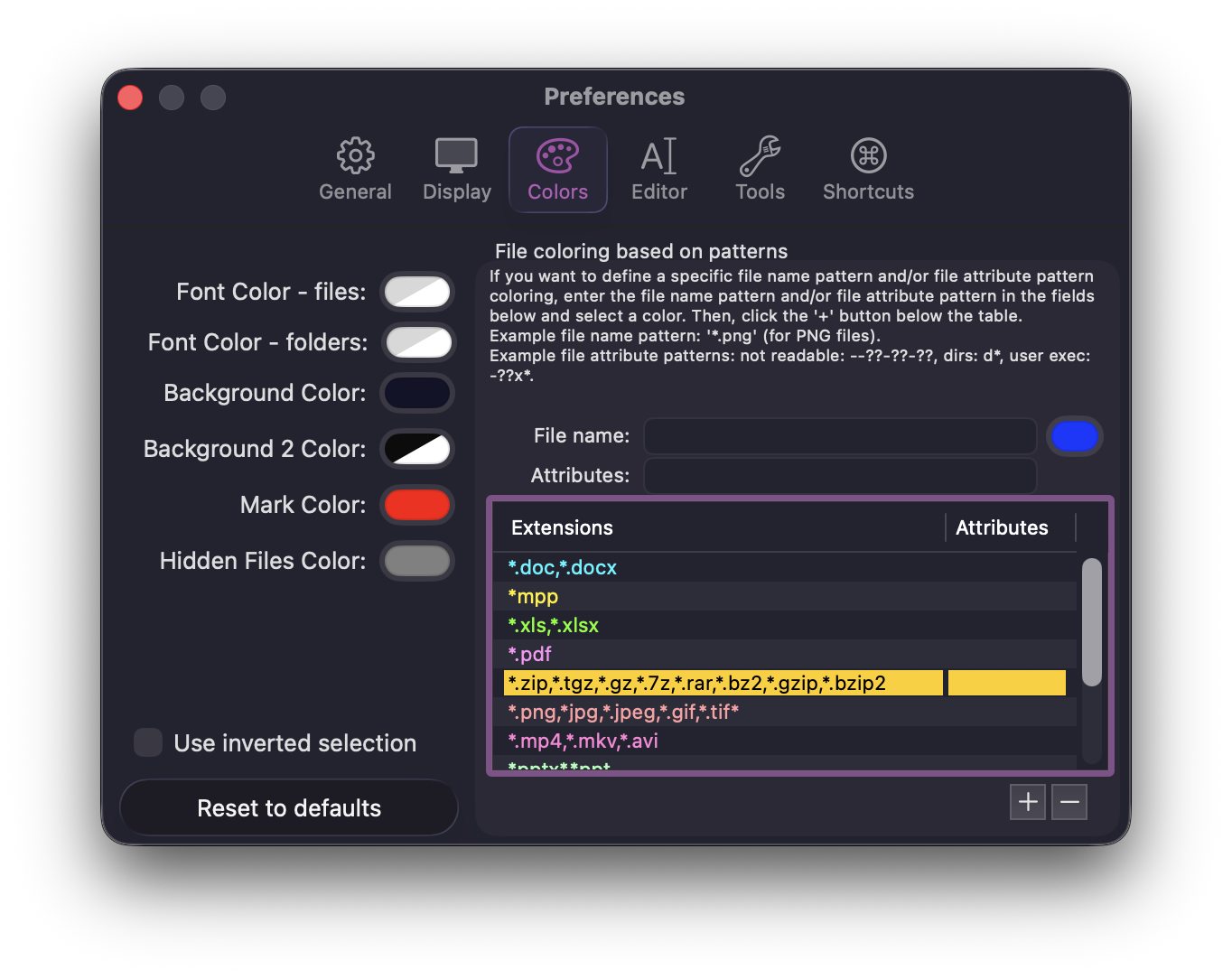
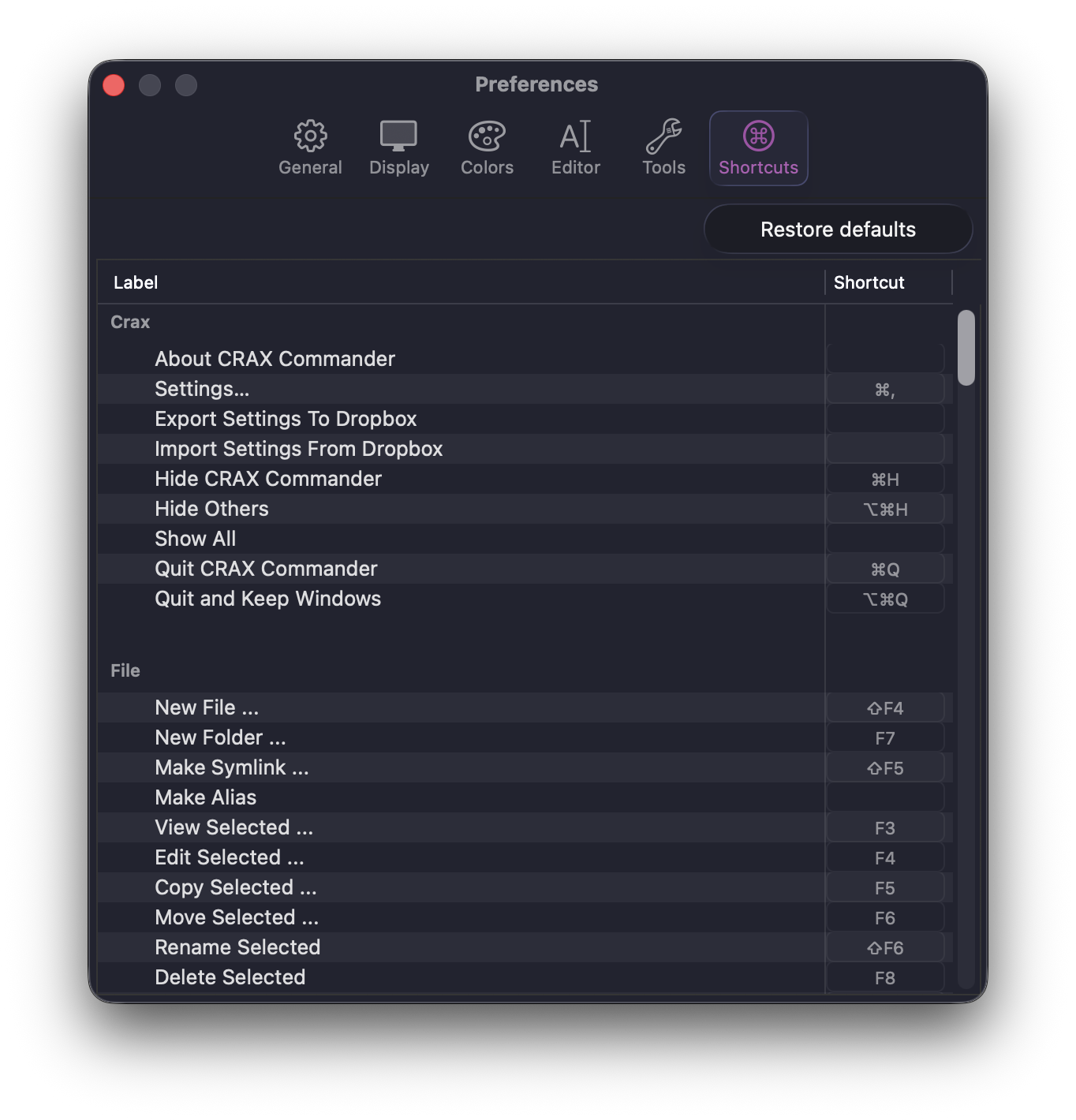
Total customization
Sync your color schemes, keyboard shortcuts, and toolbar layouts.
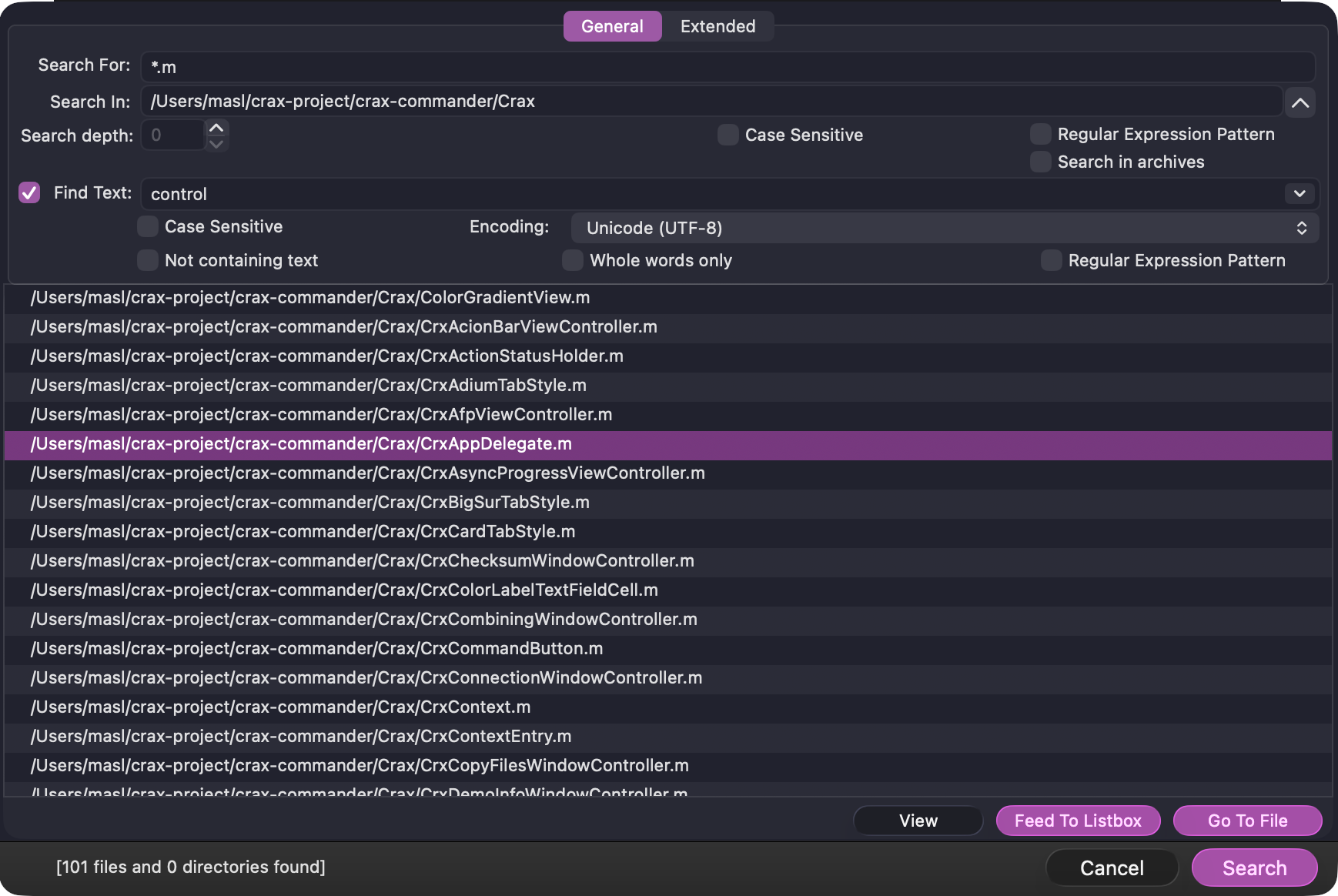
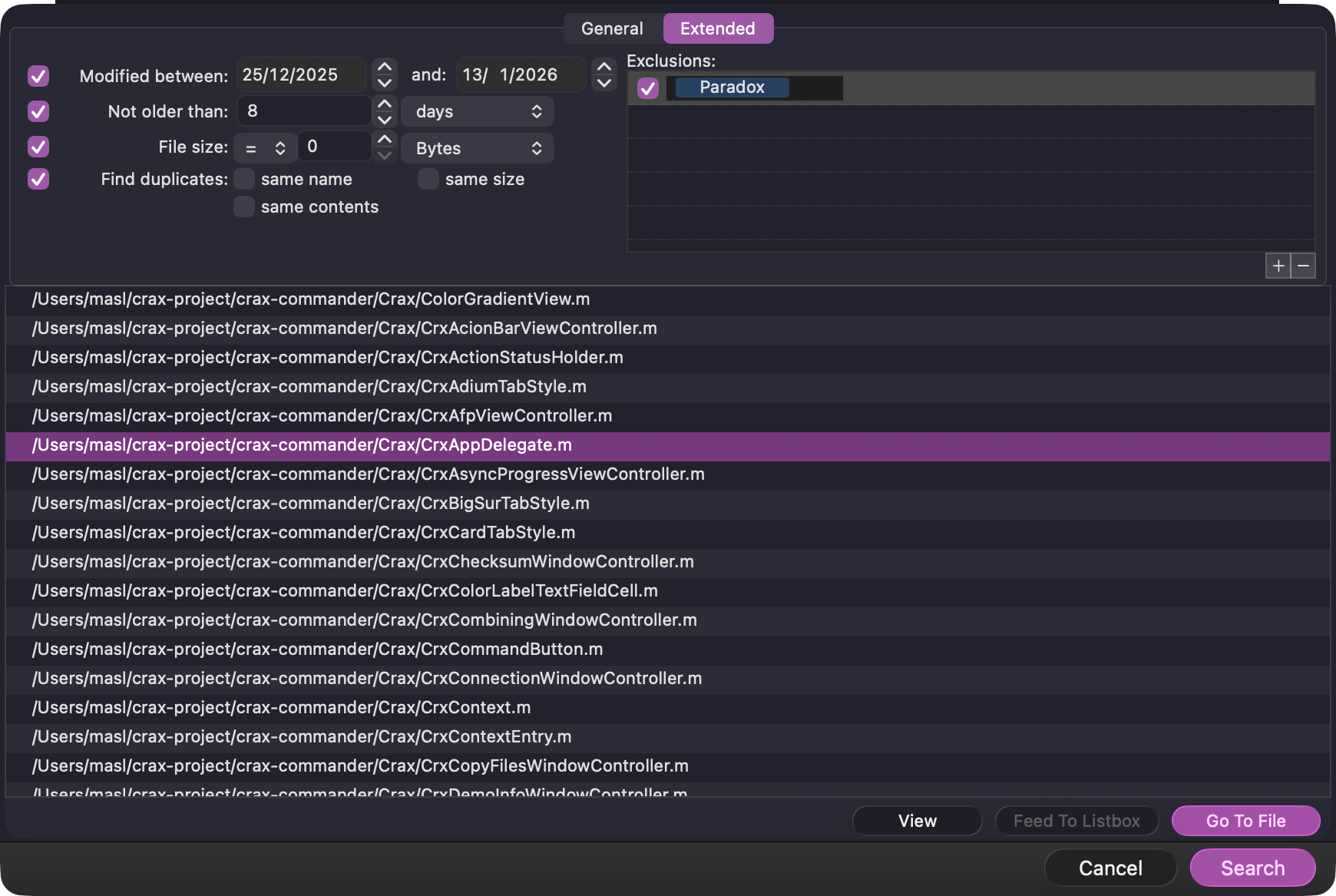
Advanced Search
Find files by content, metadata, size, or date. Support for Regular Expressions and archive searching.
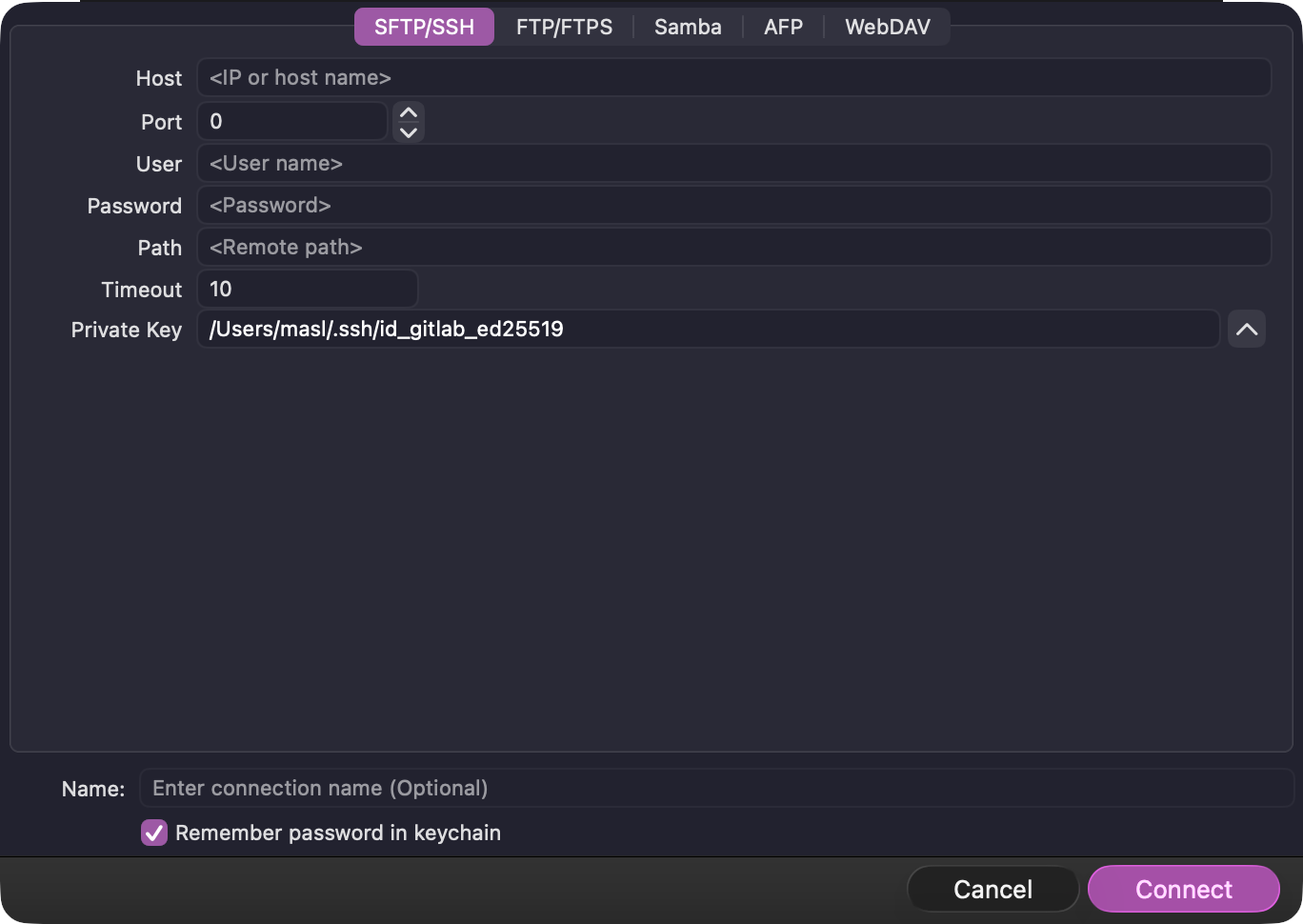
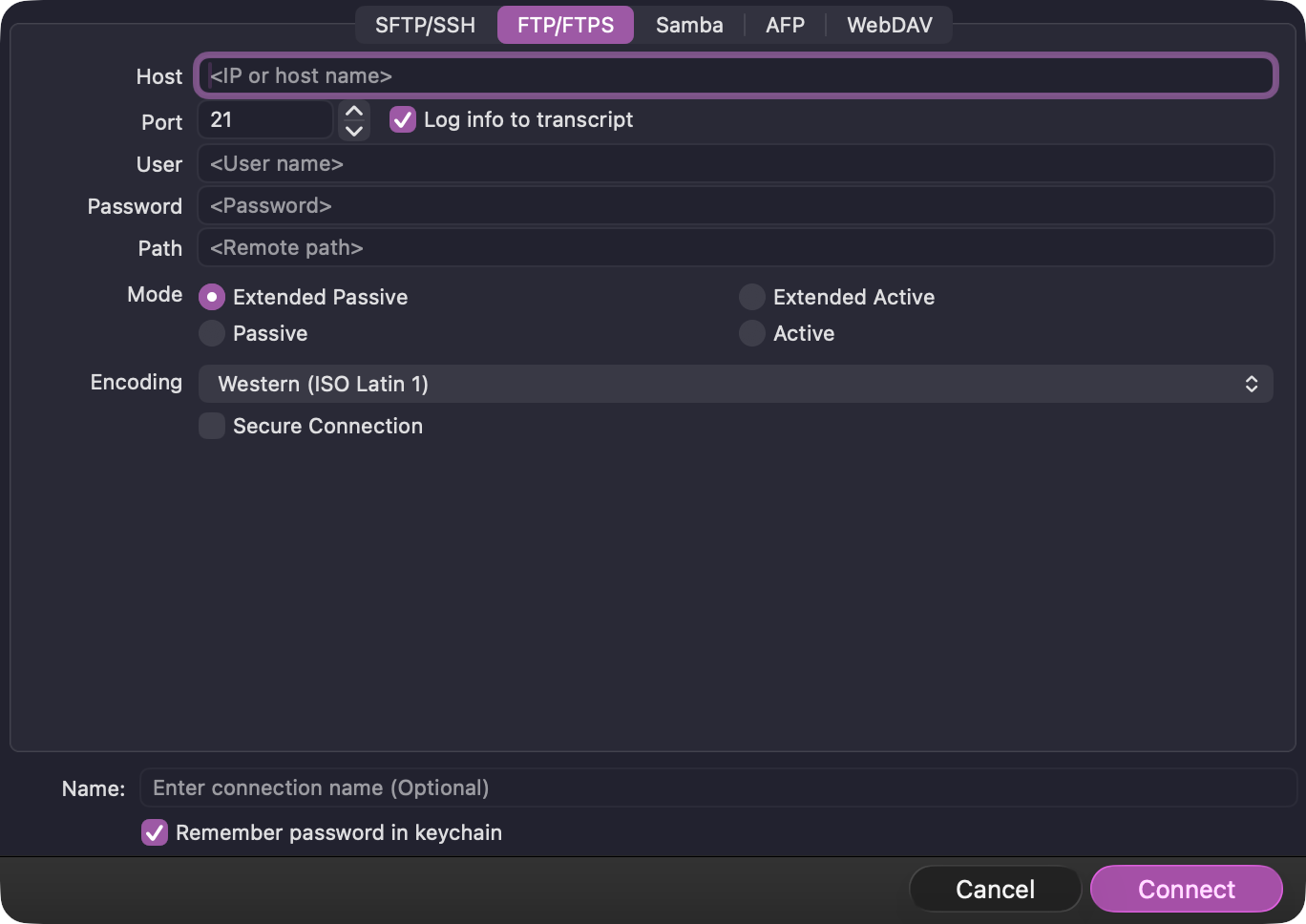
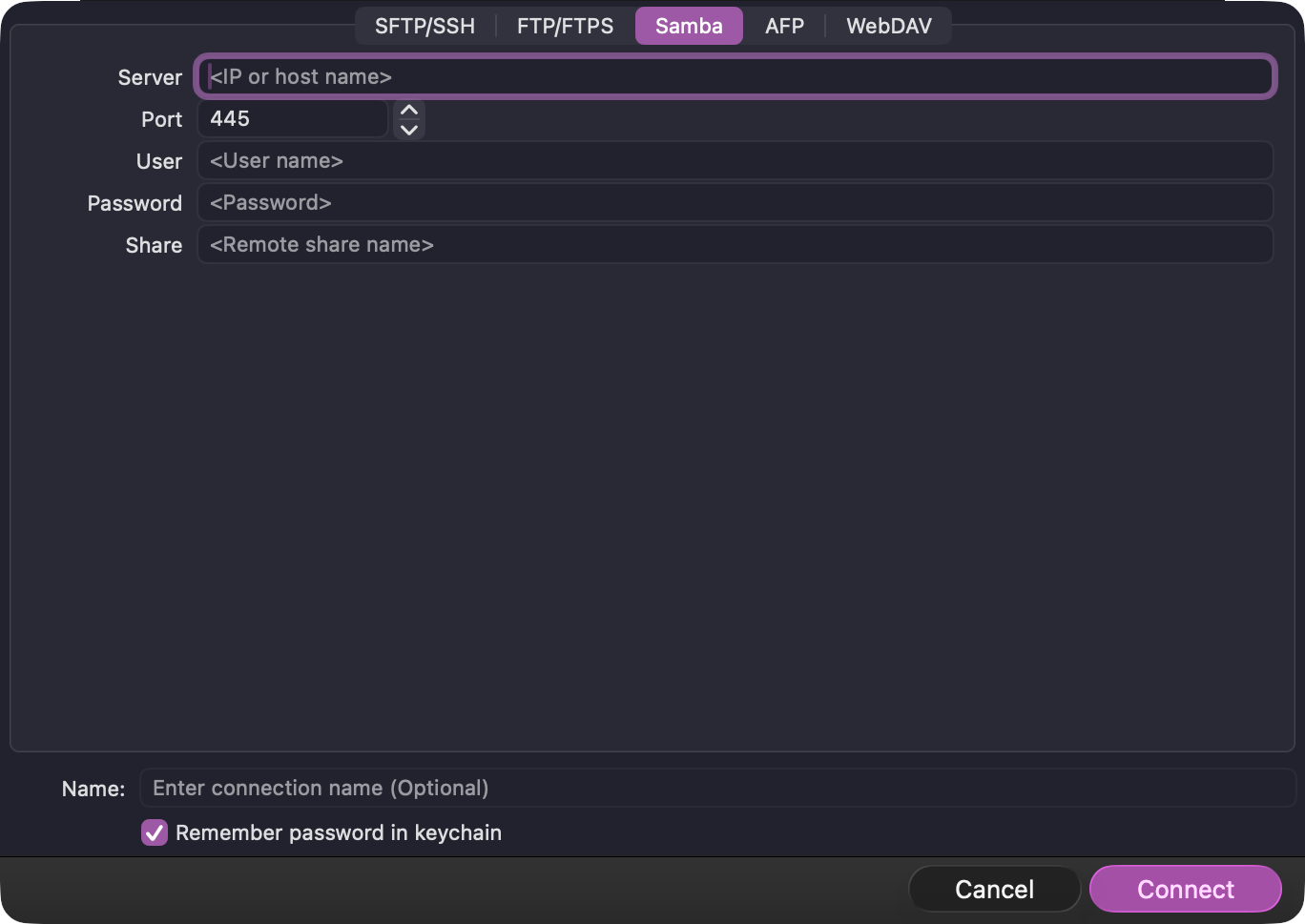
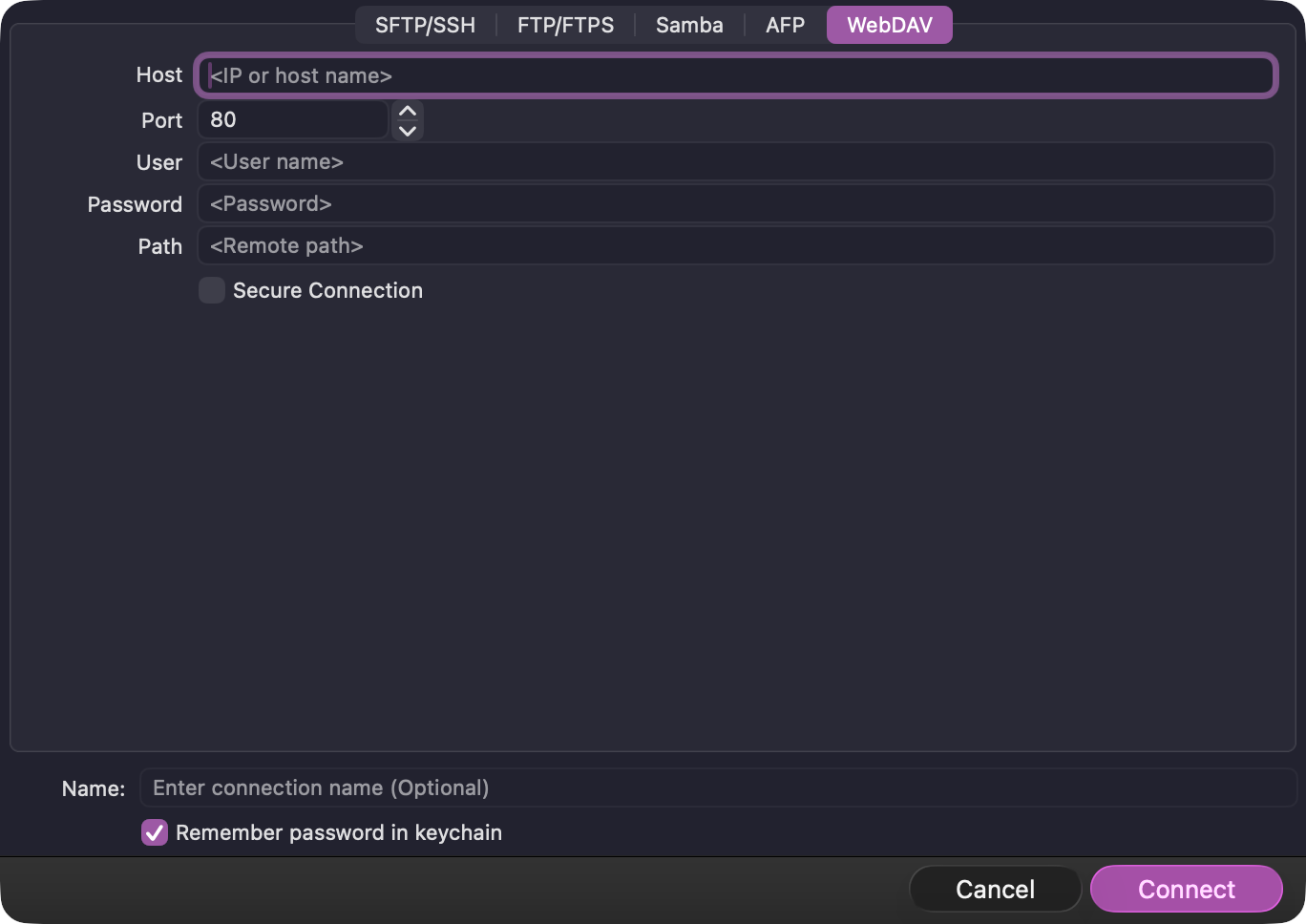
Connection profiles
Keep your SSH, FTP, SMB, AFP, and WebDAV configurations in sync.
Everything right where you need it.
Preview files, edit documents, and browse archives without ever leaving the file manager.
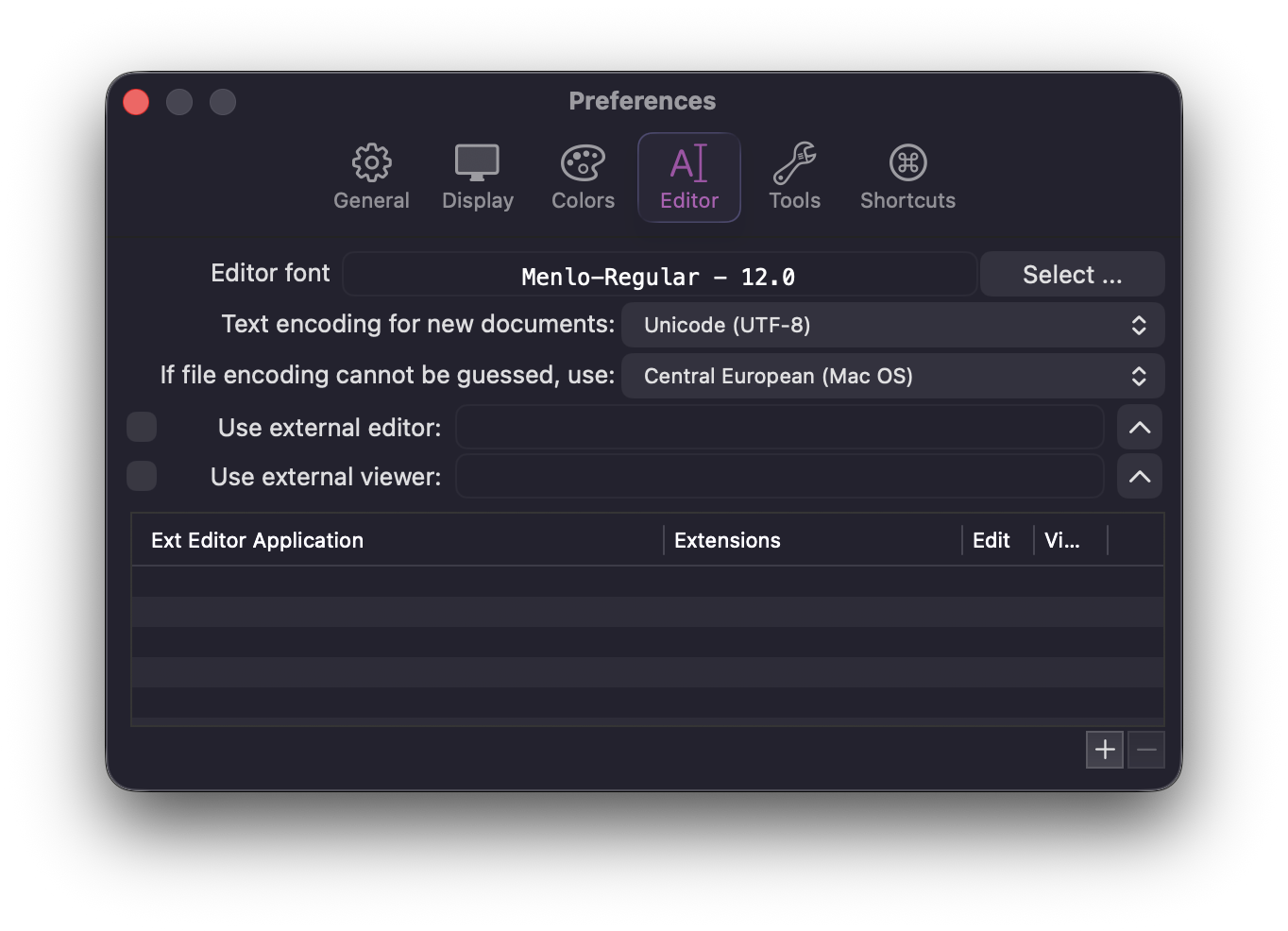
Built-in Editor
Need to make a quick change? Edit text files, scripts, and configs directly in the app with syntax highlighting.
Quick Look Support
Preview any file instantly. CRAX integrates seamlessly with macOS Quick Look for fast file inspection.
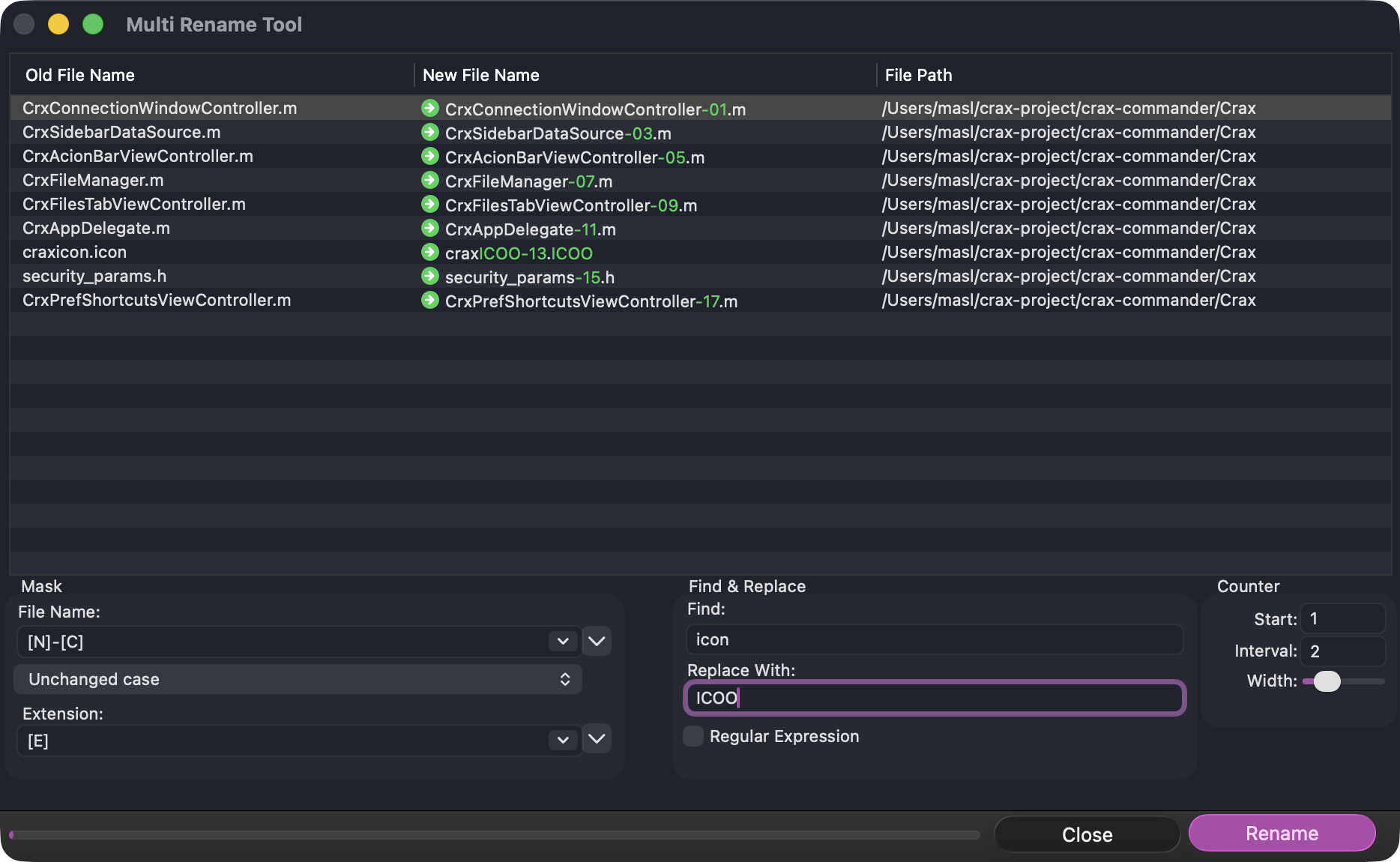
Multi-Rename Tool
Rename multiple files at once with an advanced editor supporting regular expressions, templates, and Find & Replace for precise batch operations.
Seamless Remote Access
Connect and manage remote servers as if they were local drives. Native support for SSH, SFTP, FTP, SMB, AFP.
Archives as Folders
Treat archives like folders. Browse, copy, and modify ZIP, RAR, 7Z, and TAR files as if they were uncompressed directories.
Non-blocking Operations
Copy, move, and delete huge amounts of data in the background.
Total Customization
Configure fonts, colors, toolbar buttons, and define custom keyboard shortcuts.
Built-in Power Tools
Includes Multi-Rename tool, folder synchronization, file checksum calculation.